
Smart lighting is one of the easiest ways to start building a smart home. But the minute you start shopping, you hit the same question everyone does: do you buy smart bulbs, or do you replace your wall switches?
They both make your lights “smart.” That’s roughly where the similarity ends.
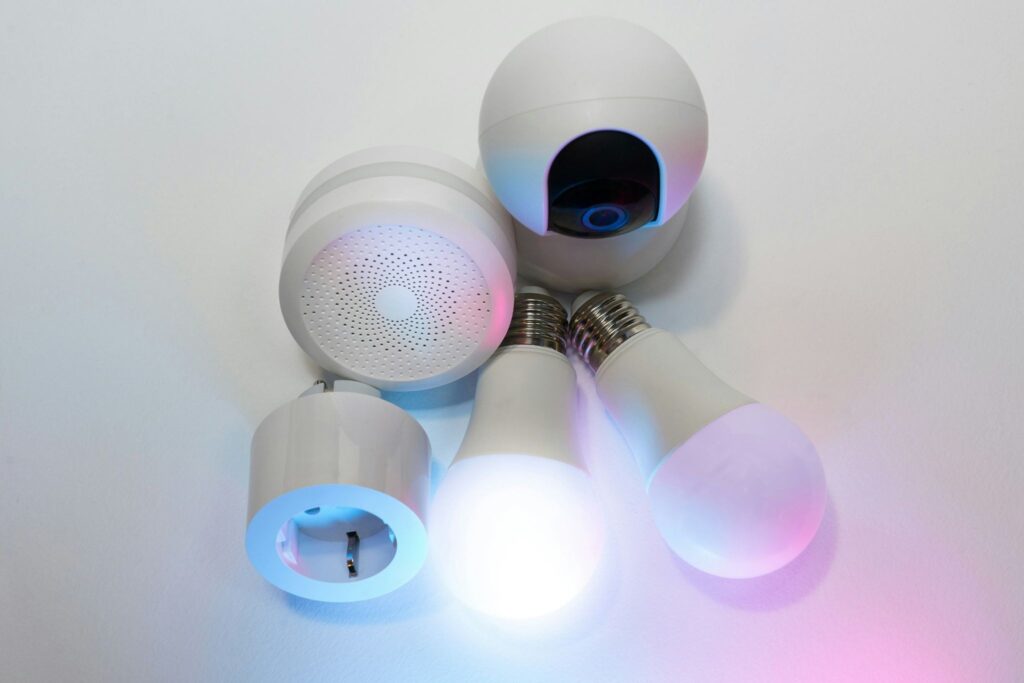
This guide breaks down the smart light switch vs smart bulb decision in plain terms — what each one actually does, what each one costs you, and which one makes sense for your home specifically.
No tech degree required.
What’s the Actual Difference?
Both give you remote control of your lights. The difference is where the intelligence lives.
How Smart Bulbs Work
A smart bulb is just a light bulb with a Wi-Fi or Bluetooth chip inside.
You screw it into any standard socket, connect it to an app, and you’re done.
The bulb itself handles the smarts — dimming, color changes, schedules, voice control.
The wall switch stays exactly where it is. You just stop using it as much.
How Smart Switches Work
A smart switch replaces your existing wall switch entirely.
The intelligence moves to the switch, not the bulb.
So you can use any regular LED bulb you want — the switch controls the power going to all of them.
One switch can handle an entire circuit.
If you’ve got six recessed lights in your living room all wired to the same switch, one smart switch controls all six at once.
Installation: Which One Can You DIY?
Smart bulbs: About as complicated as changing a regular bulb.
Turn off the lamp, swap the bulb, open the app, follow the setup steps.
Five minutes, no tools.
Smart switches: A bit more involved, but still very doable for a confident DIYer.
You’re turning off the breaker, removing the old switch, connecting three to four wires to the new one, and snapping it back into the wall.
Most people who are comfortable using a screwdriver can handle it in 30–45 minutes.
The one variable that can derail you: the neutral wire.
Most smart switches need a neutral wire to stay powered when the lights are off.
Older homes — generally pre-1980s, sometimes later — often don’t have one in the switch box.
Before buying any smart switch, check your existing wiring.
If there’s no white neutral wire in the box, your options are either a no-neutral switch (some brands make these, including Lutron Caseta) or smart bulbs instead.
Cost Breakdown: What You’re Really Spending
This is where it gets interesting.
A single smart bulb typically runs $10–20 for a basic white version, $25–50 for color-changing.
Sounds reasonable — until you realise a living room with six recessed lights means six bulbs, which adds up fast.
A smart switch costs $25–60, but it controls every bulb on that circuit.
Swap the switch once, and all six lights become smart without touching a single bulb.
Quick example: six color-changing smart bulbs at $30 each = $180.
One smart switch + six regular LED bulbs at $5 each = $55–90 total.
For basic on/off and dimming, switches win on cost at scale.
For color-changing features, bulbs are your only real option anyway.
According to the U.S. Department of Energy’s energy-saving guidelines, smart controls and scheduling are among the most practical ways to reduce unnecessary home energy use.
The Catch Nobody Warns You About (With Smart Bulbs)
This one trips people up constantly, and it’s worth knowing before you buy anything.
Smart bulbs need continuous power to stay connected to your Wi-Fi or hub.
The moment someone flips the wall switch off — actually off, not just dims it — the bulb loses power completely. It goes offline. Your app can’t reach it.
Any automations you’ve set up won’t run.
So you end up in this awkward situation where the wall switch becomes a liability.
You have to tell everyone in the house “don’t use the switch, use the app.”
Which works great until a visitor walks in and does what everyone does: flips the switch.
There are workarounds. You can put a small cover plate over the switch so people don’t touch it.
Some people use smart switch covers that send a signal to the bulb without cutting power.
But none of them are perfect.
Smart switches don’t have this problem at all.
The switch stays powered, the bulb stays powered, everything works.
You keep using the wall switch normally, and the smart controls work on top of it.
Who Should Get a Smart Switch — and Who Shouldn’t
Smart switches make more sense if:
- You own your home (or have permission to modify wiring)
- You want to control multiple lights with one device
- You want the wall switch to keep working normally
- You have family members who won’t adapt to app-only control
- You’re outfitting a room with many bulbs (cost efficiency)
Smart bulbs make more sense if:
- You’re renting and can’t touch the wiring
- You want zero installation hassle
- You need color-changing capability
- You’re starting out and want to experiment before committing
- You want to be able to take your smart devices with you when you move
Renters, in particular, should default to smart bulbs.
Installing a smart switch in a rental is technically modifying the electrical wiring — which most leases prohibit, and which creates a headache when you move out and have to reinstall the old switch.
Room-by-Room: What Actually Makes Sense Where
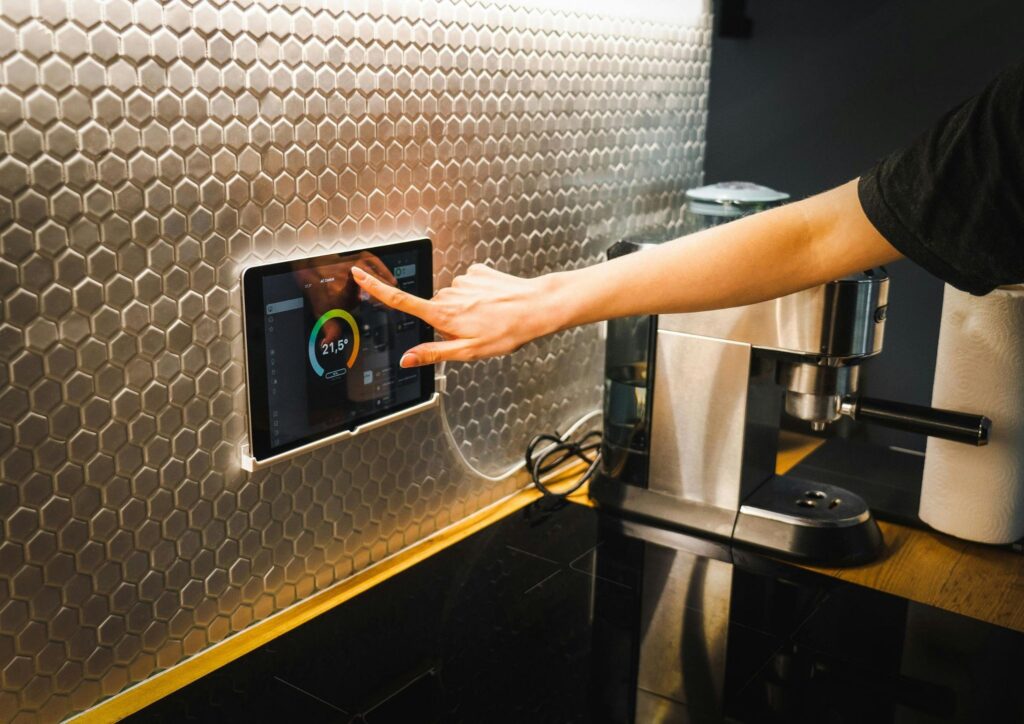
Living room with recessed lighting: Smart switch. One switch, many bulbs, nobody needs to mess with an app just to watch TV.
Bedroom lamp: Smart bulb. A single lamp, color temperature control for winding down, easy setup, no wiring involved.
Kitchen with overhead fixture: Smart switch. Practical, keeps everything predictable, no power-off headaches.
Kids’ room: Smart bulb (color-changing). Fun for them, easy to set bedtime schedules through the app.
Bathroom vanity (multiple bulbs, one switch): Smart switch. Far cheaper than buying four individual smart bulbs, and you don’t need color in a bathroom anyway.
Home office desk lamp: Smart bulb. Quick setup, control from your phone, easy to build a “focus mode” scene.
Can You Use Both Together?
Yes — and for most people, the answer ends up being a mix of both.
The important thing to know: you generally can’t pair a smart switch with a smart bulb on the same circuit.
A standard smart switch works by cutting power to control the light.
If the power’s cut, the smart bulb goes offline (that same problem from above).
The two don’t play well together in the same fixture.
What you can do is use smart switches in some rooms and smart bulbs in others, based on what that room needs.
Most smart homes end up this way — switches for the main overhead lights, bulbs for lamps and accent lighting.
Works fine as long as they’re all in the same ecosystem (Alexa, Google Home, or Apple HomeKit).
Learn how to set up automations that work across both
Frequently Asked Questions
Do smart bulbs work with regular switches? Yes, but with a catch.
The physical switch needs to stay in the “on” position at all times for the smart bulb to stay connected and controllable.
If someone flips the switch off, the bulb loses power and goes offline until power is restored manually.
Do I need a neutral wire for a smart switch? Most smart switches require a neutral wire, which isn’t always present in older homes.
Before buying, turn off the breaker, remove your existing switch, and look for a white wire in the back of the box.
No white wire means you’ll need a no-neutral compatible switch (like Lutron Caseta) or you should go with smart bulbs instead.
Can you use smart bulbs and smart switches together? Not on the same circuit — a standard smart switch cuts power, which takes your smart bulb offline.
But you can absolutely use smart switches in some rooms and smart bulbs in others, all controlled from the same smart home app.
Are smart switches worth it over smart bulbs? For homeowners with multiple bulbs per room, usually yes — the cost per room is lower and the experience is more reliable.
For renters or single-lamp setups, smart bulbs are the smarter starting point.
What happens if you turn off a smart bulb at the wall switch? The bulb loses power completely and disconnects from your network.
Any automations or app controls will stop working until someone manually turns the wall switch back on.
This is one of the most common frustrations people run into after setting up smart bulbs.
Conclusion
The smart light switch vs smart bulb debate doesn’t have one universal answer — it has the right answer for your situation.
Renters and beginners: start with smart bulbs, keep it simple.
Homeowners with multiple fixtures: smart switches save you money and headaches at scale.
And once you’re comfortable, you’ll likely end up using both.
Start with one room. See what works. You can always expand from there.
Ready to take the next step? Here’s how to set up your first automations